
Abstract ideas are hard to picture
Registers, cache, packets and translators are invisible. A diagram on a slide only goes so far.

OCR J277 GCSE Computer Science
Revise360 helps teachers deliver, reinforce and revisit GCSE Computer Science through connected teaching resources, interactive 360° lessons, programming practice and targeted assessment.
Runs in the browser on school PCs, laptops and tablets. A VR headset is optional.
11 J277 topics
103 360° lesson rooms
98 lesson PowerPoints
115 lesson plans
13 Python lessons
Why it is different
Registers, cache, packets and translators are invisible. A diagram on a slide only goes so far.
When an assessment finds a gap, another generic question set rarely closes it. The pupil needs the explanation again.
How it works
The same lesson runs from the front of the room, into a 360° room, onto paper and into assessment. When a mark is lost, it points back to the station that teaches it.
Lesson PowerPoint, plan and key words
A 360° room with an explainer at every station
Workbook tasks on paper, in the pupil's own words
Questions marked against mark points
A lost mark leads back to Explore, not to a new worksheet.
See the experience
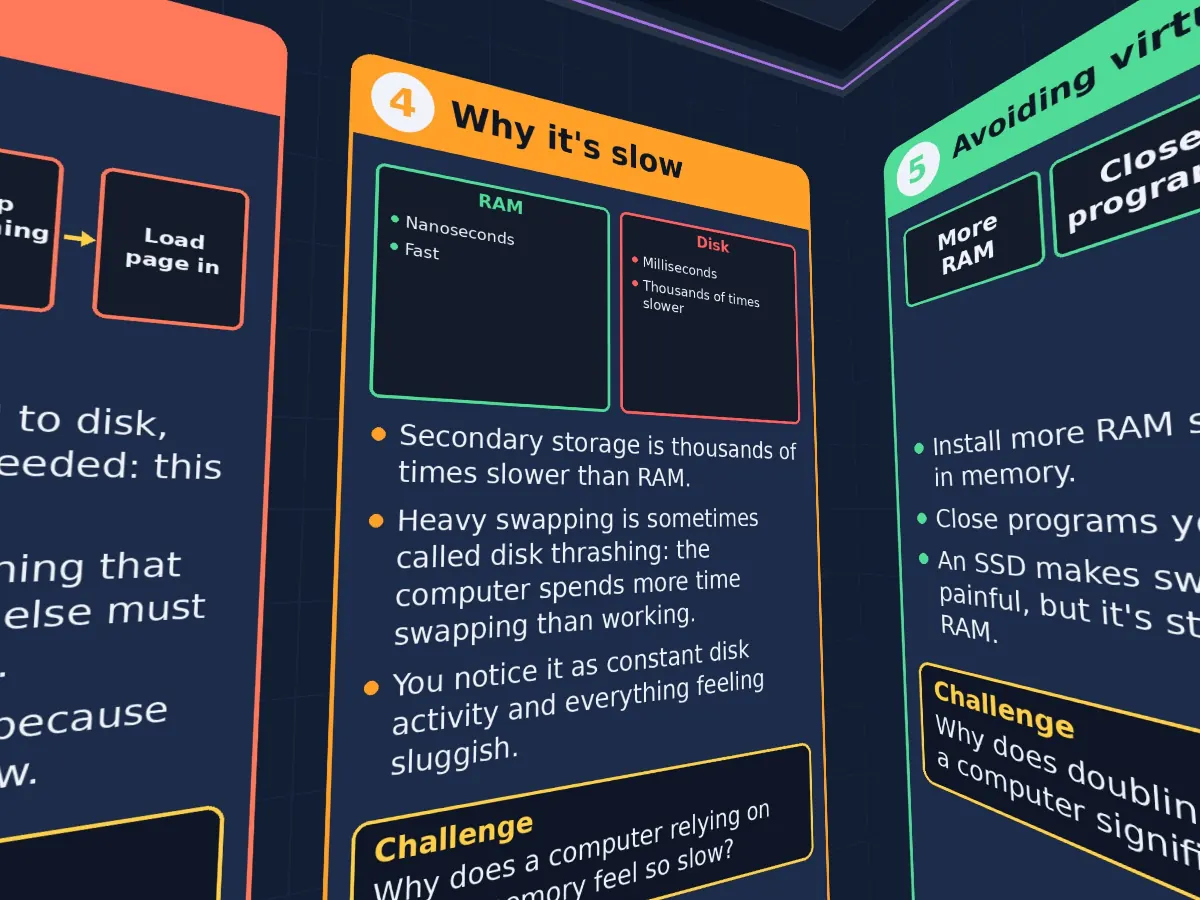
Pupils look around a room, open a teaching slab, step through a short explainer and answer its questions. Feedback says what was missed, not only whether it was right.
Speed Lab and the first Python lesson are open to everyone. The other rooms open when a pupil signs in with their school login.

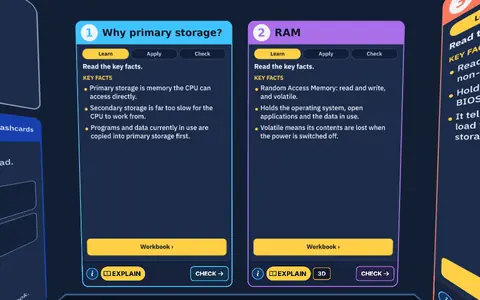


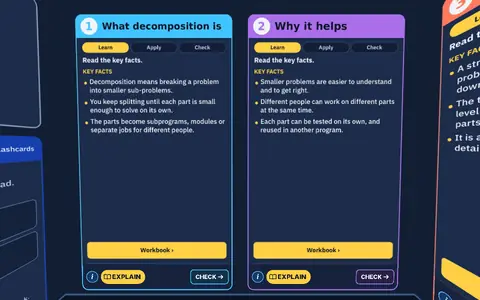
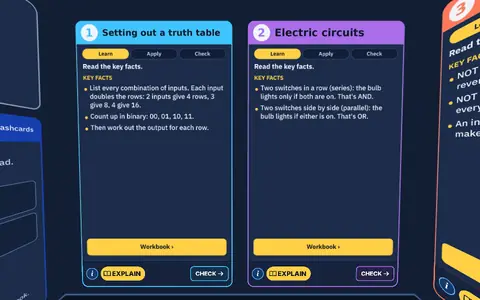
Three ways to use Revise360
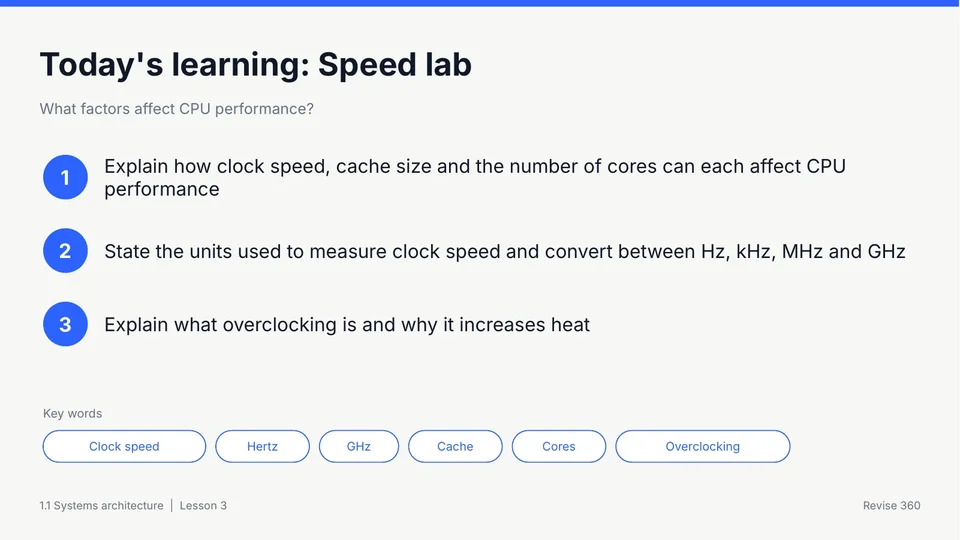
Structured enough to teach from, and concrete enough for abstract ideas. This is 1.1 Lesson 3, Speed Lab, as a class meets it.
A Do Now of three questions from earlier lessons on the first slide, answered on paper, then checked from the next slide.
The PowerPoint sets out what the lesson covers and the words pupils should use.
Pupils open the lesson's 360° room on their device and move between its numbered stations.
Each teaching slab has a short explainer that takes one idea at a time, then questions and a challenge.
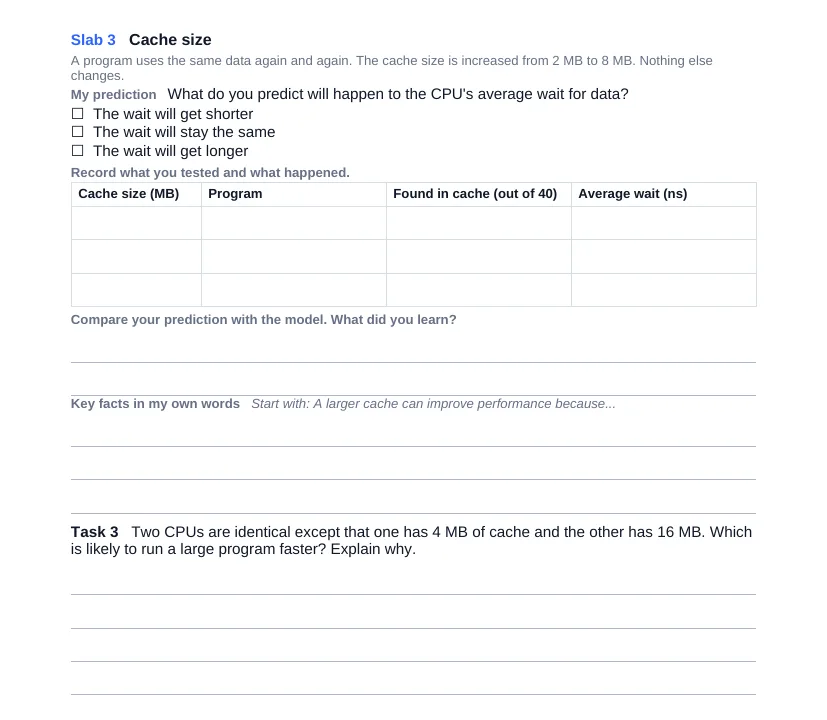
The workbook records each prediction, the key facts in the pupil's own words, and an exam-style task.
The mark points go up once everyone has written. Wrong answers in the room show which misconception to teach against.
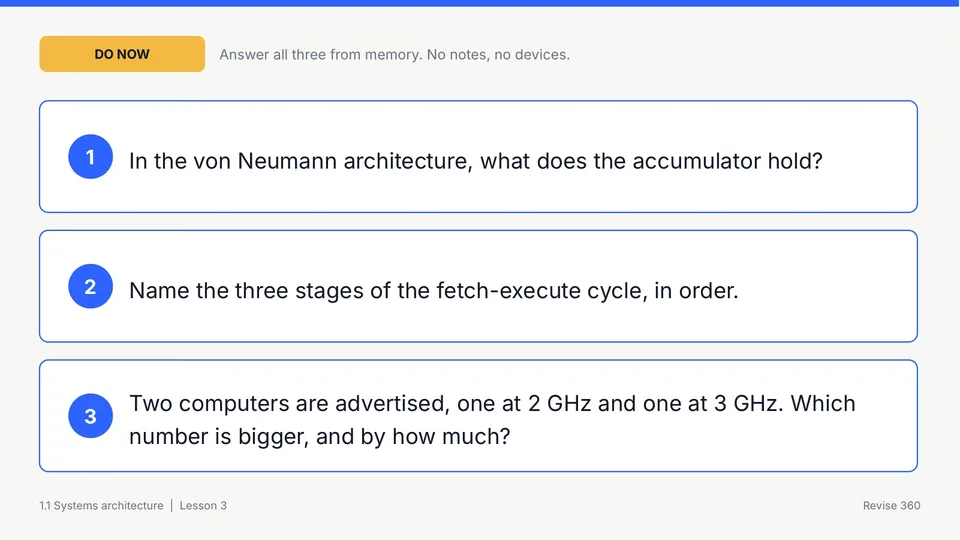
Useful for consolidating a lesson, or for going back over a concept a pupil found hard.
How the portals workEvery lost mark in Quiz Mode names the lesson and station that teaches it, and Review mode reopens only what was wrong. With a small group or one pupil, go back to that station together, then answer the same question again.
See a real exampleThis is the teaching that pupil is sent back to: the real explainer, the same one pupils open in the room, with its 3D model. Turn the CPU, select a part, then step through it.
A program is a list of instructions. The CPU (central processing unit) is the chip that carries them out. While a program runs, its instructions and data are kept in RAM (random access memory), the main memory. The CPU must bring each one in from RAM before using it. That is called fetching.
Everything teachers need
Teaching notes under each slide.
Hinge questions, misconceptions and mark points.
One per topic and one for the Python course, in Word and PDF, and a Word worksheet for every lesson.
Original and exam-style, each with its mark scheme.
With explainers, questions and challenges.
Class logins, progress, written answers to mark, and work set.
Resources and the Teacher Portal open with a teacher key, issued by hand to each school. Teacher sign in
Explore the OCR J277 curriculum
What each topic covers and the lessons in it, with a 360° room for every lesson.
Python programming13 lessons, written and run in the browser
Created by a practising teacher
Revise360 was created by Olly Pettitt, a practising secondary Computer Science teacher and Trust Lead Practitioner, teaching across two secondary schools.
Retrieval at the start of every lesson. Written work on paper that survives when the devices do not. Mark points a class can use to check its own answers.
About Revise360Any suitable school device
Every room runs in a web browser on a PC or tablet, a laptop or a Chromebook, without a headset. In a headset browser that supports WebXR, Enter VR appears and the same room opens around you. Meta Quest is what it is built for.
Using a headsetSpeed Lab, a Python lesson and a sample of Quiz Mode, with its exam-style questions and marks, are open to everyone. Nothing you do there is saved.